

10 WEEKS • LIVE ONLINE • INSTRUCTOR-LEAD • SKILL-FOCUSED
Character Creation For Games
Create A Game-Ready Character, From Start To Finish
ENROLLMENT OPEN • CLASS STARTS WEDNESDAY, JANUARY 15TH
Classes Meet Every Wednesday @ 11:30AM Pacific
Learn The Fundamentals Of Creating And Sculpting A Real-Time Character In 3D.
Class Overview
Learn how to apply practical workflows to create a game-ready character, from start to finish, with one of the Industry’s leading artists, Ackeem Durrant. Ackeem has been sculpting and modeling characters for games for more than 4 years and currently works as a Character Artist at Bulkhead Interactive.
Ackeem will teach you the workflows for character creation and will guide you through all stages. You will learn all the steps in the pipeline and understand how to prepare your character for final presentation.
This course on Character Creation For Games will consist of ten modules of pre-recorded lessons and live Q&A sessions every week. You’ll learn core modeling workflows and be part of a community of artists working to achieve next level quality in their work.
- Skill Level: Intermediate
- Course Format: Standard
- Duration: 10 Weeks + Lifetime Access
- Lecture Type: Pre-Recorded & Live
- Assignments: Deadlines each week
- Feedback: Live, Weekly Q&A
What You’ll Learn
The course will go through the full process of modeling and sculpting Characters for Games, starting with collecting references, blocking in and sculpting the character, moving into retopology and UVs, then texturing and presenting. The emphasis throughout the course will be on addressing the nuances of forms, structures, workflow and presentation.
By the end of the course, students will have produced a portfolio-ready character. They should also have gained knowledge on how to troubleshoot new problems or tasks.
By The End Of The Course
You’ll:
- Have developed a fluency in the various stages of the PBR workflow.
- Know how to create dynamic poses for your character.
- Have mastered the pipeline for 3D character creation.
- Have created your own game-ready character.
Blocking Out The Character & Clothes
- Picking A Concept & Gathering Reference
Reduce decision making; Spell out the concept; Set expectations
- Organization
File structure
- Proportions
Silhouette; Relationships; Style
You will:
- Block out your Character
- Block out the Costume & Accessories
Refining The Face, Body & Clothes
- Face Anatomy
Planes of the face; Skeletal landmarks; Muscles - Techniques For Clothes Creation
Maya; ZBrush; Marvelous Designer
You Will:
- Refine the Secondary Forms of your Face
- Sculpt or Simulate your final Clothes Base
Clothes Detailing
- Sculpting Folds
Hand sculpting damage; Directionality; Tension - Details
Alphas; Reusable meshes - Creating Custom Brushes
You Will:
- Sculpt the Detail and Damage on your Clothes
- Add smaller items to your Clothes, like Buckles and Patterning
Skin Detailing
- Wrinkles & Pores
Tertiary details; Micro details; ZBrush layers - Imperfections
Asymmetry; Scars - Creating Custom Brushes
You Will:
- Sculpt your Tertiary Details
- Use the Brush you’ve created or the Texturing XYZ Alphas to do micro details
Creating Our Game Ready Mesh
- Pipeline
Workflow; Organization - Topology
Theory; Workflow - UV
Texture sets; Workflow
You Will:
- Retopologize your Mesh
- UV your Character and Define Texture Sets
- Do Test Bakes
Texturing The Skin & Eye Creation
- Look Development
Working with lighting and textures; Lighting setups; Workflow - Material Definition
Readability; Frequency; Breakup
You Will:
- Create your Eye
- Block out your Base Diffuse and Alter your Textures in Substance
- Begin testing your Textures in Marmoset Toolbag
Texturing The Clothes
- Look Development
Working with lighting and textures; Using references; Workflow - Material Definition
Readability; Frequency; Breakup
You Will:
- Get your Base Materials done for every item of Clothing
- Author each Material based on Reference
- Continue Texturing your Character and Testing in Marmoset
Hair Creation
- Xgen
Analyzing reference; Workflow; Iteration - Card Placement
Workflow; Layering; Organization - Material Creation
Marmoset testing; Creating textures in Photoshop
You Will:
- Begin placing your Hair Cards
- Test the Cards in Marmoset
- Continue Texturing your Character and Testing in Marmoset
Lighting, Posing & Exploration
- Reference
Analyzing reference; Faking lighting; Mood - Posing in ZBrush
Workflow; Organization - Exploration
Test ideas quickly; Testing elements in mash
You Will:
- Bring all of your Elements into Marmoset
- Pose your Character
- Continue Hair
Finishing & Presenting Our Character
- Lighting
Lighting for mood; Cheating; Post effects
You Will:
- Finalize your Lighting
- Export Renders and Analyze them to begin Final Polish
- Use Photoshop to Test Fixes before Implementing

Ackeem Durrant
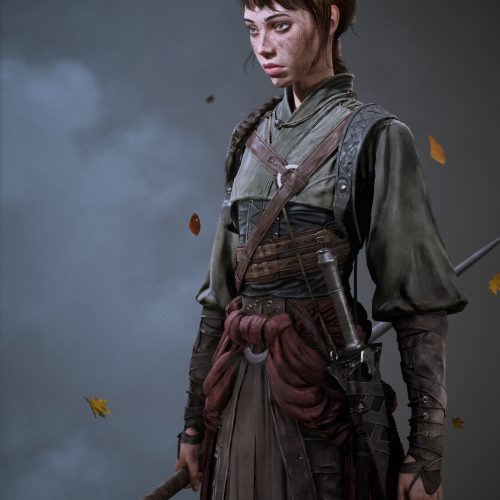
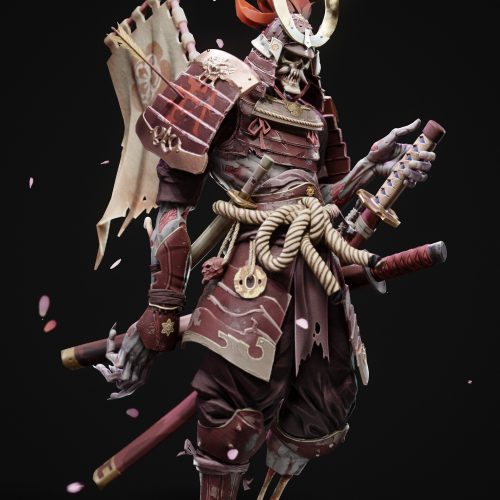
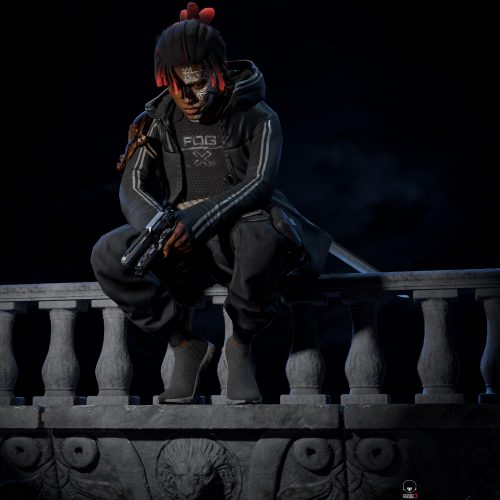
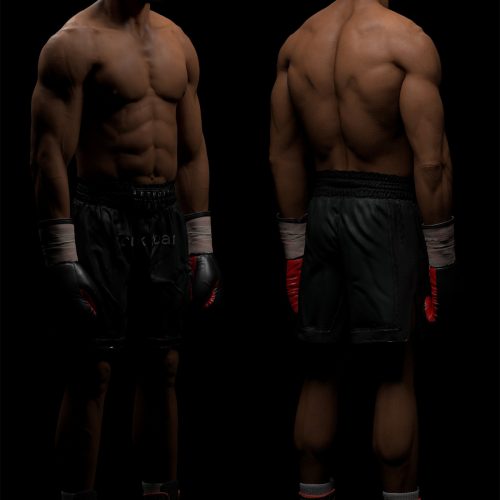
Originally born in Jamaica, Ackeem Durrant is a 3D Character Artist who’s worked with studios all around the world freelancing and recently left Microsoft Rare to work with Bulkhead Interactive in the UK on their new project.
He’s been self taught in 3D from age 16 and was working professionally in TV, advertising and teaching before jumping to games.
In his own words, “The thing that attracted me to 3D art was the fact that you never need to stop growing, there’s always new software packages to learn, new techniques to master and new pipelines to try”.
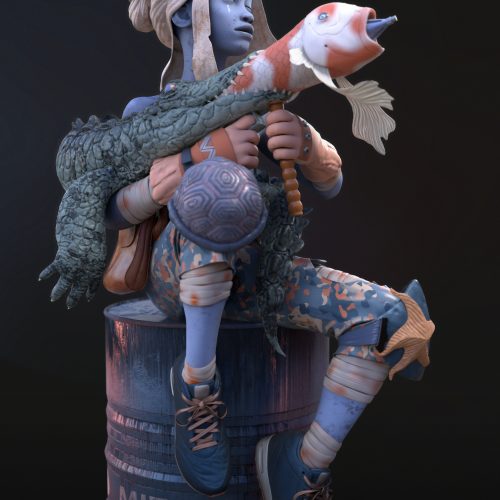
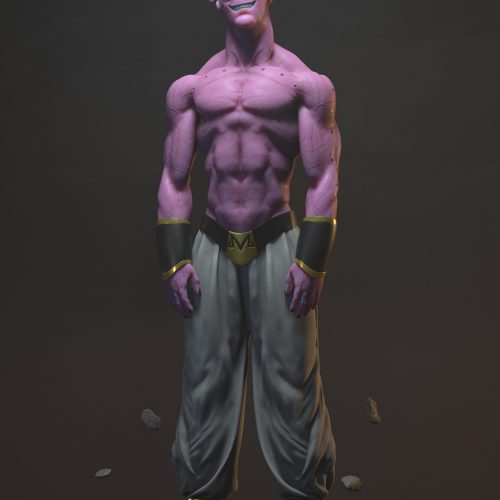
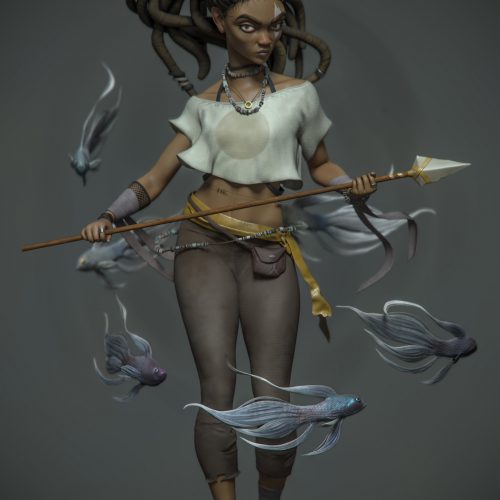
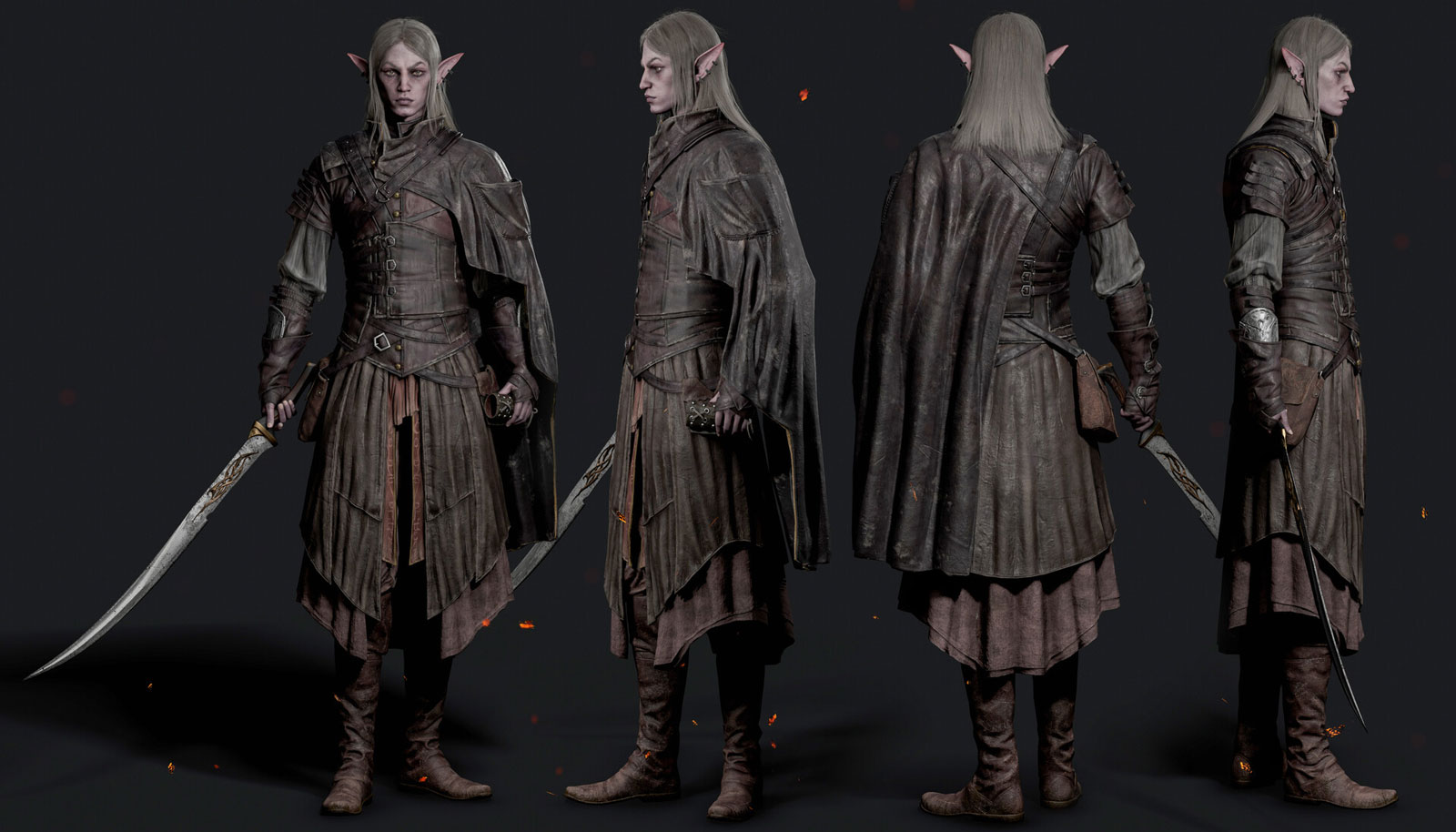
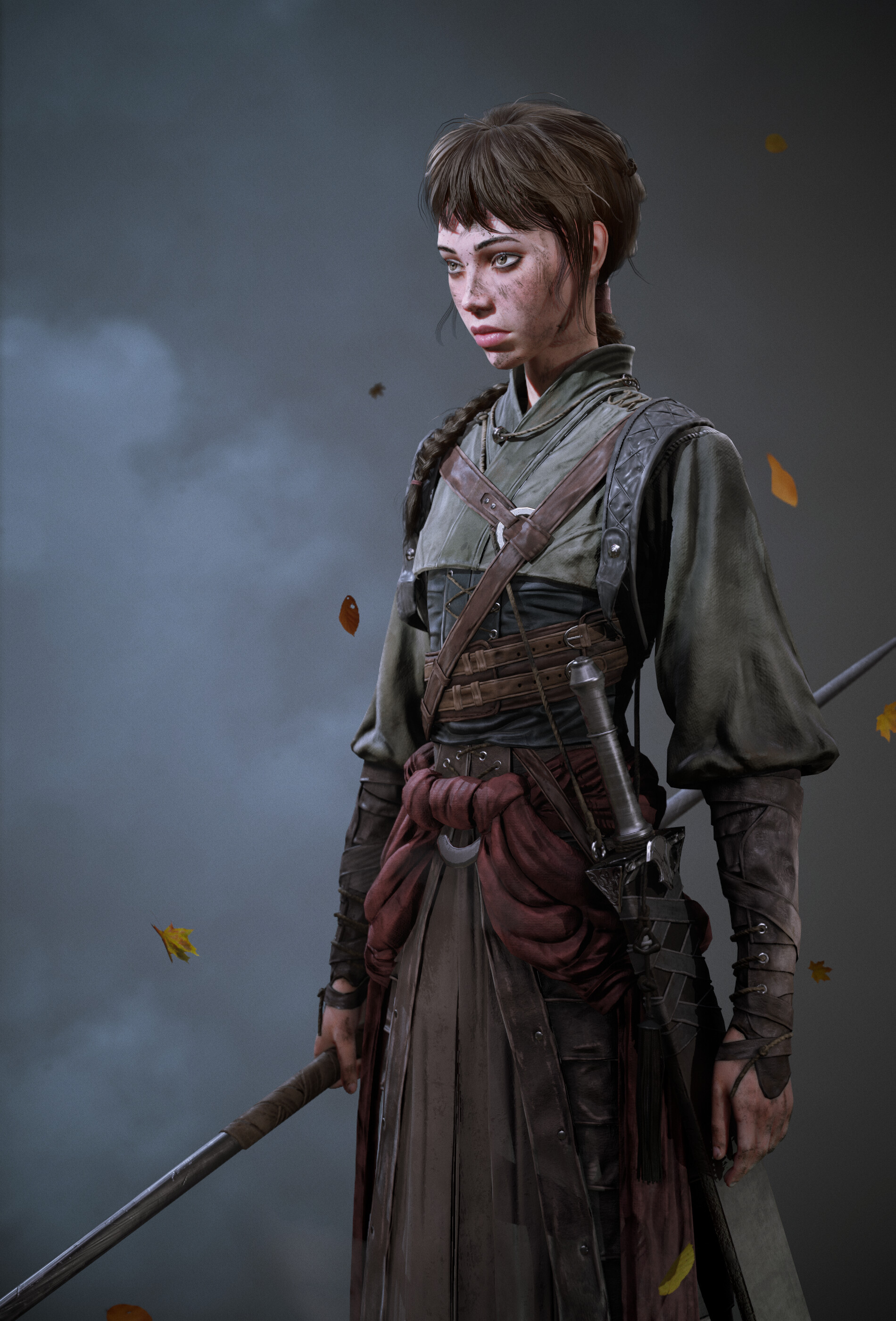
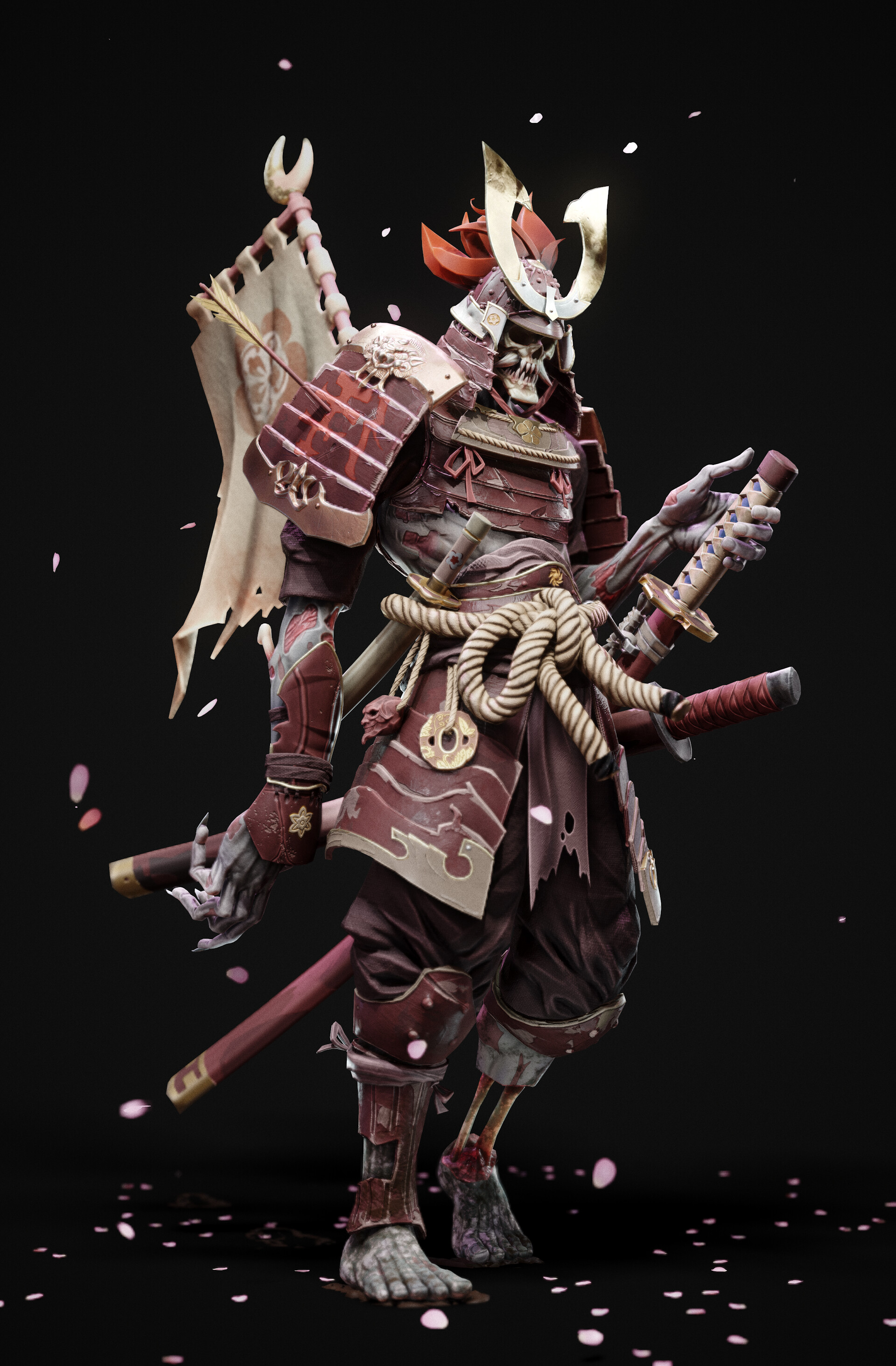
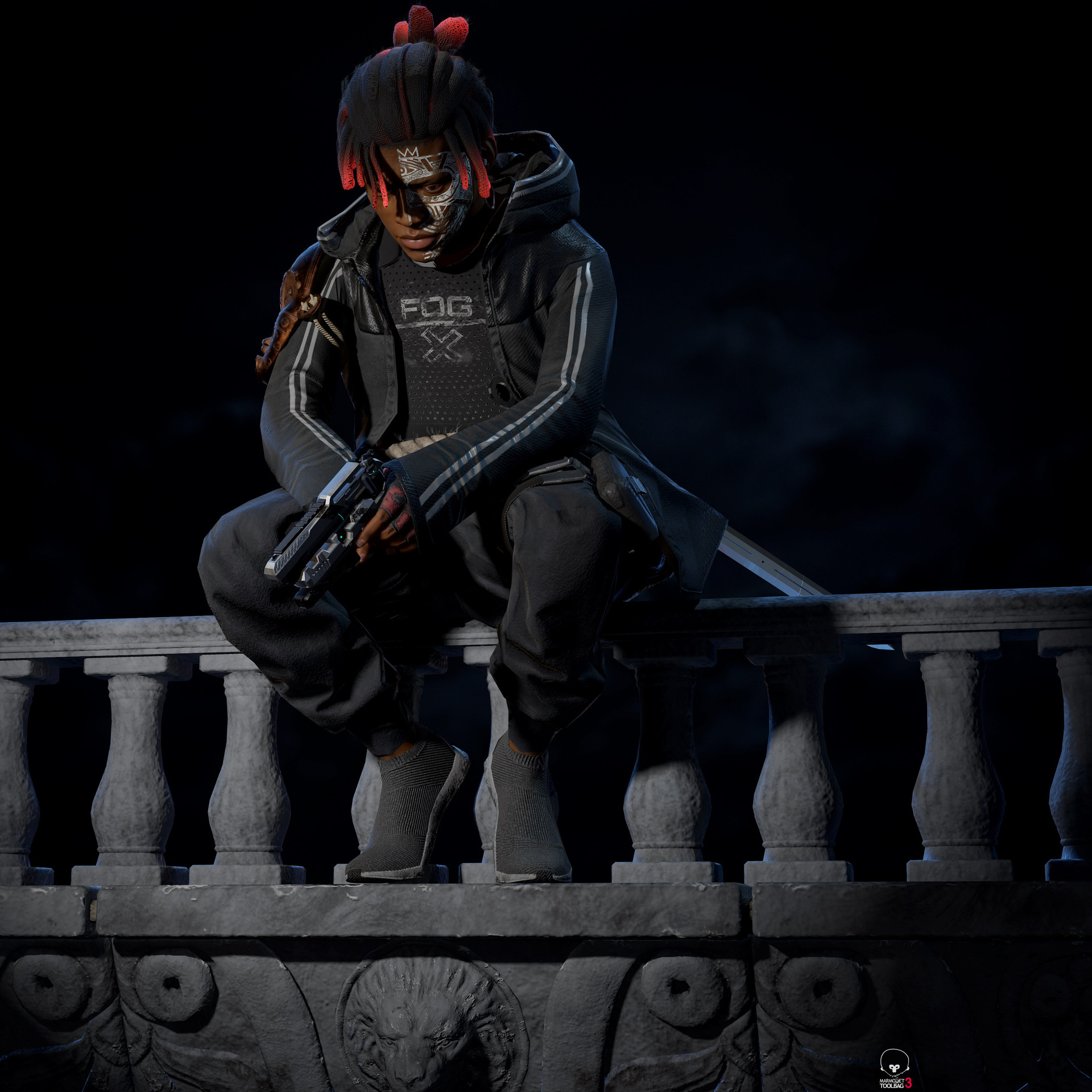
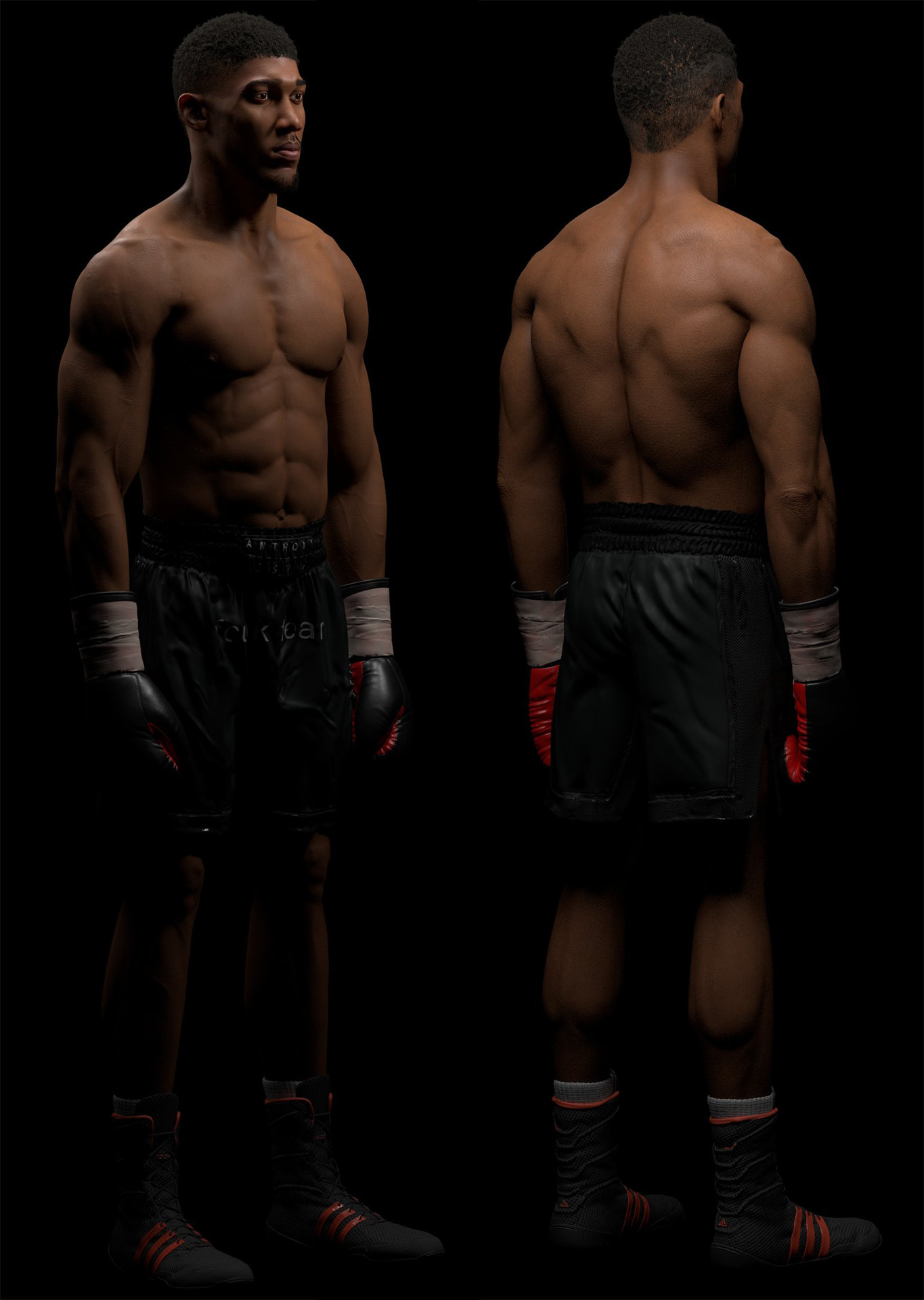
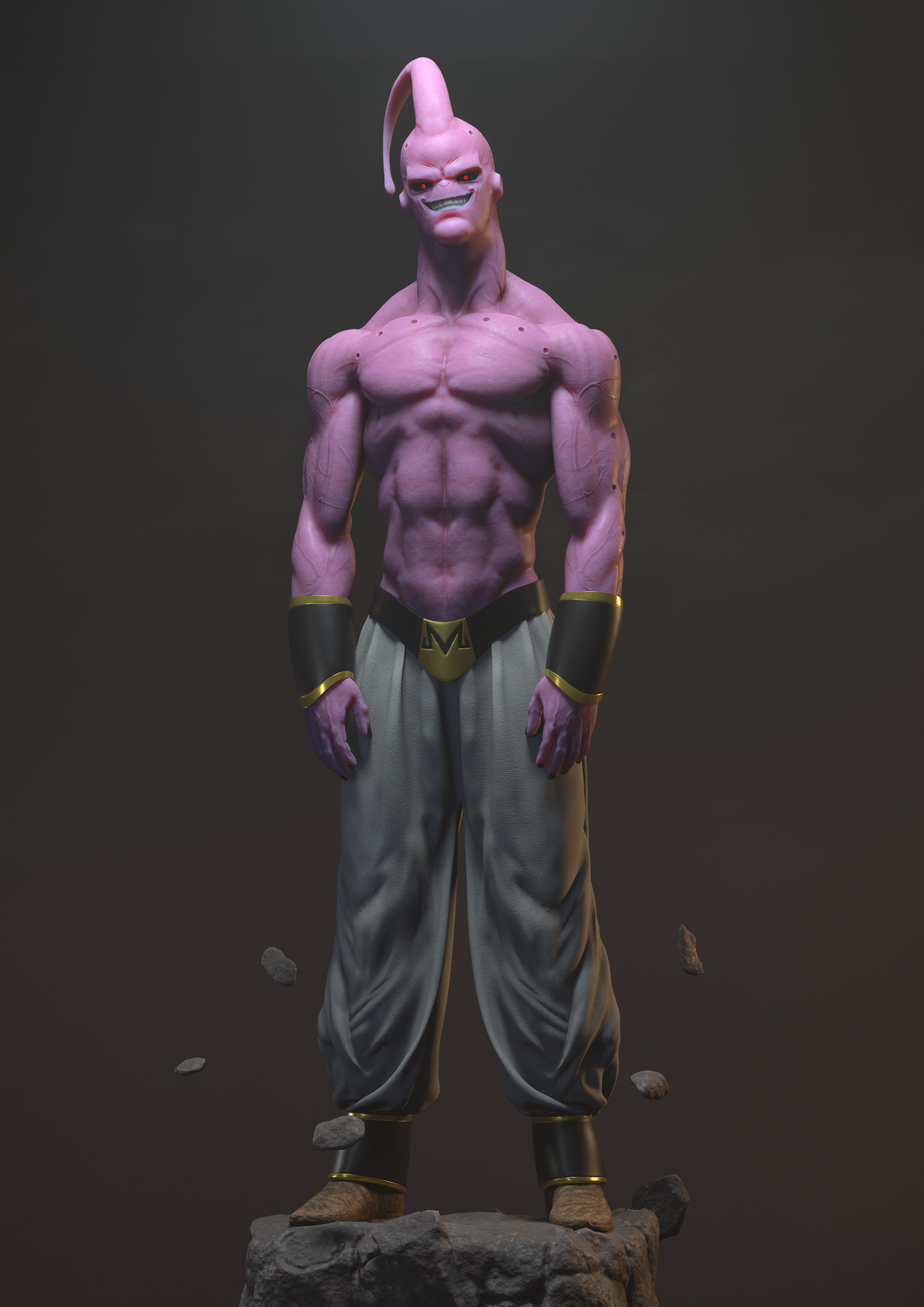
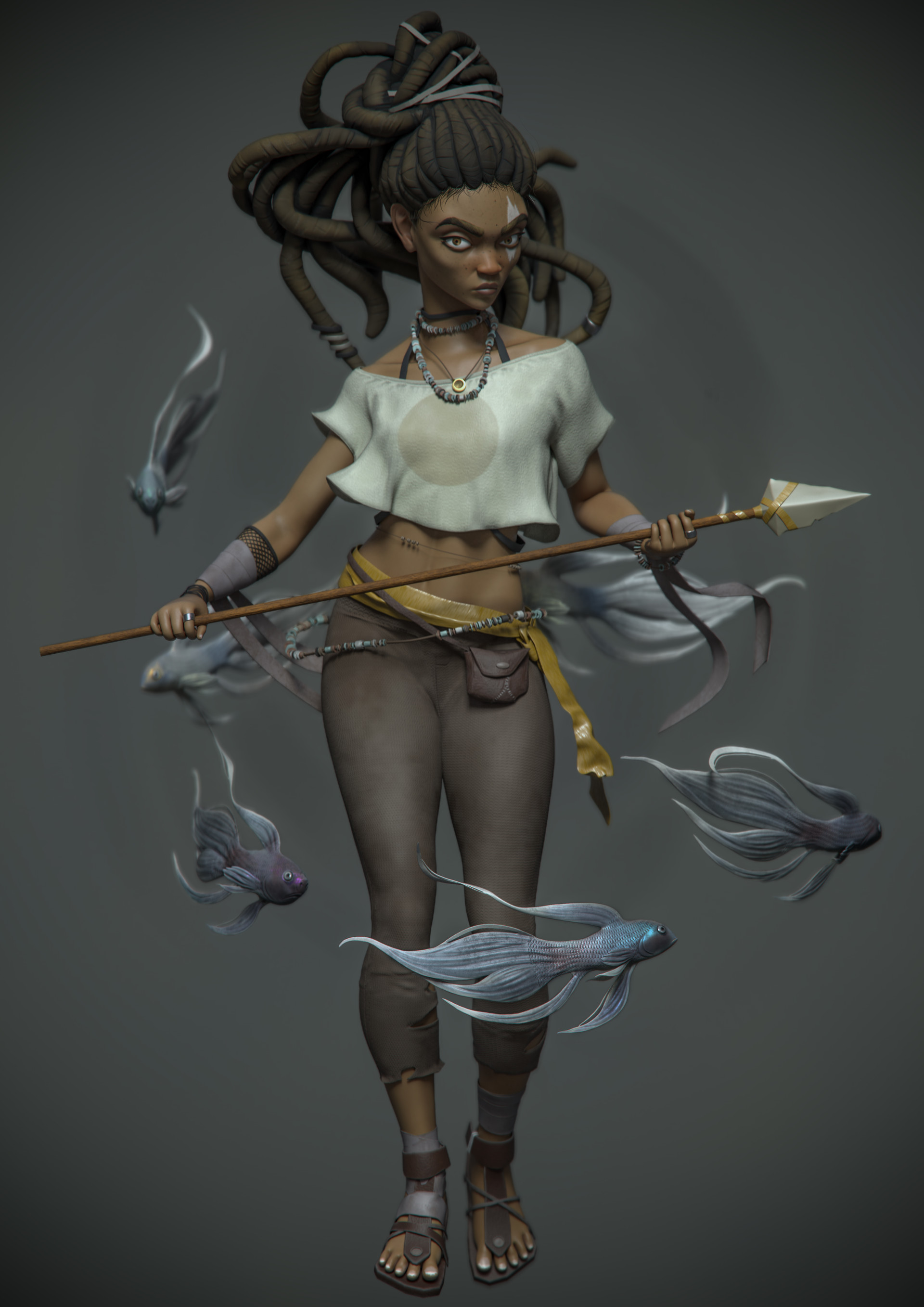
Instructors Gallery:


Our graduates work at: